
← InstrumentsN° 17 · Instrument
Lotus
Drawable-wave morphing synthesizer.
300 presets82 controlsVST3 · Win 64-bitResizable
Coming soonGet the pack
On its own: coming soon. Available now in the Andromeda Instruments pack · Part of The Collection
About
Lotus in a nutshell
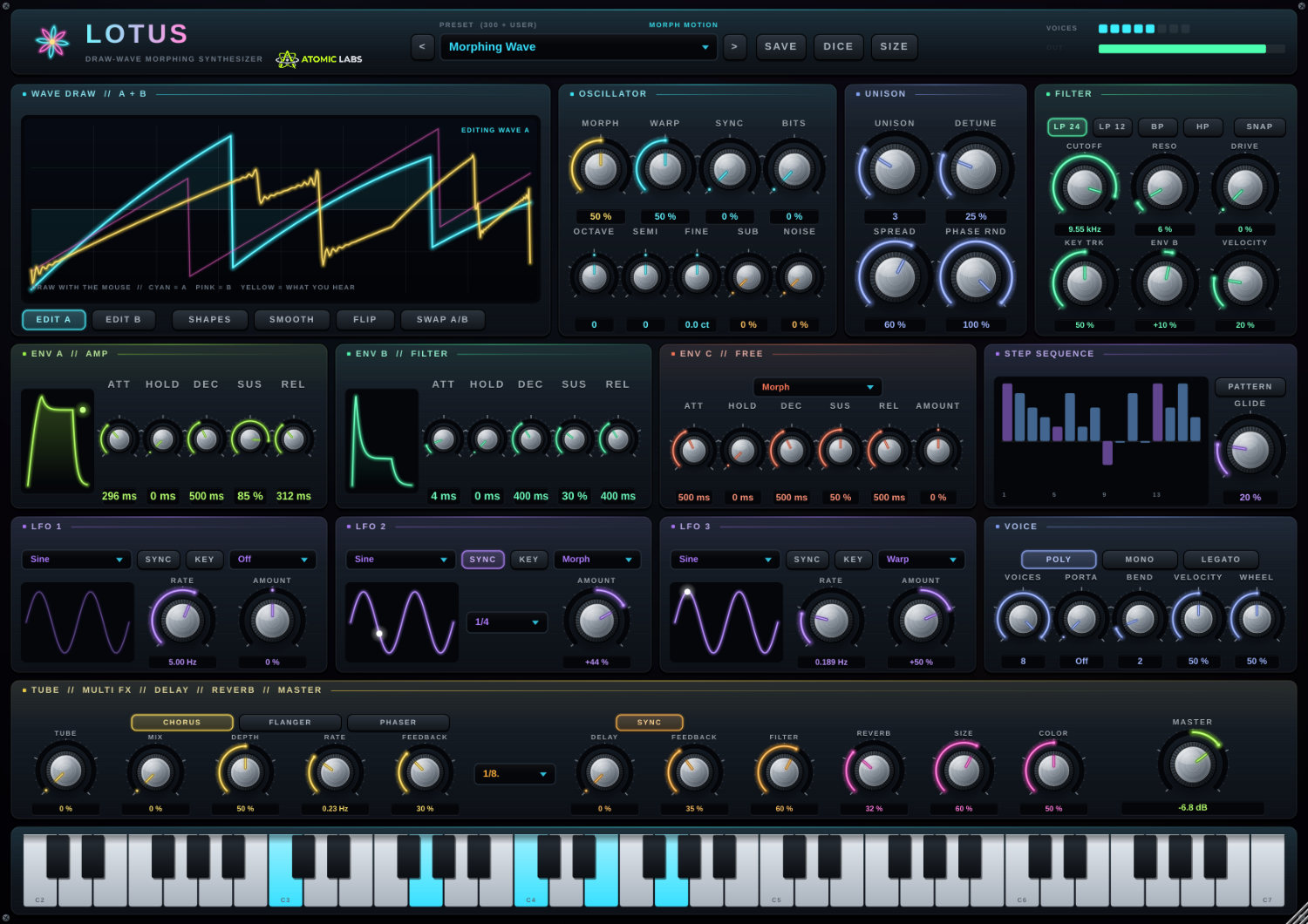
Lotus lets you draw your own waveforms. Two single-cycle waves, A and B, can be drawn with the mouse or picked from a shape library, and are turned into band-limited tables, so they never alias Phase warp, soft hard-sync, bit reduction, unison, sub and noise shape the oscillator. A ladder filter can snap its cutoff to the harmonics of the note. Three envelopes, three LFOs (including a drawable 16-step sequence) and an FX chain complete the instrument.
Before / after
See what Lotus changes.
OFF · raw oscillator
ON · Lotus
Visual demo, not a recording. These waveforms are drawn by this page to illustrate the kind of change: a raw oscillator (OFF) against the same notes shaped by a filter, an envelope and effects (ON). No audio plays and it is not a capture of Lotus itself.
Quick start
Pick a preset, then draw on wave A or B and hear the change immediately.
Move Morph to blend from wave A to wave B, or let an LFO do it.
Try Harmonic Snap on the filter for resonance that always fits the note.
The interface
Draw each single-cycle wave with the mouse or pick a shape from the library. Your drawings are saved with the preset.
Morph A > B, Warp (pulse width / phase warp), Sync, Bit Reduction, Octave, Semitone, Fine, Unison with Detune, Spread and Phase Random, Sub and Noise. Mod Wheel > Morph.
Filter Type (LP 24, LP 12, Band Pass, High Pass), Cutoff, Resonance, Drive, Key Track, Env B > Cutoff, Velocity > Cutoff and 'Filter Snaps On Harmonics'.
Presets
Lotus comes with 300 factory presets in 10 categories, plus an Init program to start from scratch. Every preset was designed for this plug-in and level-matched, so you can browse without jumps in volume.
30 Basses 30 Leads 30 Pads 30 Plucks & Keys 30 Morph Motion 30 Step Sequences 30 Sync & Warp 30 Digital & Lo-Fi 30 Bells & Organs 30 FX & Drones
Tips
Draw two very different waves and morph slowly with LFO 1 for evolving pads.
Use the step-sequence LFO on the filter for rhythmic patches.
Specifications
Everything in the box.
TypeInstrument
Presets300 + Init
Controls82
FormatVST3 (64-bit)
SystemWindows 10 or 11, 64-bit
CPUIntel or AMD with AVX2, 4 cores or more
Memory8 GB (16 GB recommended)
WindowResizable
Your presetsSave presets and whole banks
Get started
Three steps to sound.
- Buy, then download the installer from your members page (sign in with the email you ordered with; the thank-you email has the link). No licence key needed.
- Run the installer. Lotus appears in your DAW under the maker Atomic Labs.
- Pick a preset, then draw on wave A or B and hear the change immediately.
FAQ
Before you buy
Is it a subscription?
It depends on the product. The plug-in packs and Atomic Starmap are one-time purchases with lifetime updates. Machigana plans are yearly subscriptions that renew each year; cancel any time in your PayPal account. Alpha and Beta are coming soon.
What do I get after buying?
A thank-you email with a link to your members page (atomiclabs.studio/app/members.html). Sign up or sign in there with the same email you typed on the order page, and your downloads are waiting for you. You can download them again at any time. There is no licence key to type in.
Which systems are supported?
Windows 10 or 11, 64-bit. The plug-ins are 64-bit VST3 and work in any VST3 host (Alpha, Cubase, Ableton Live, Bitwig, Studio One, Reaper, FL Studio and more).
On how many computers can I use it?
On up to two of your own computers, for example your studio PC and your laptop.
Do you have education pricing?
It's coming soon: a 40% discount for students and teachers. It isn't available at checkout yet. See the Education page.
Can I get a refund?
Yes. Every purchase and subscription has a 30-day money-back guarantee. Just write to [email protected]. See the refund policy.
You may also like
InstrumentFlagship
E-VO 2
Evolving layer synthesizer
800 presets · 2438 controls
Coming soonSee the packs
InstrumentFlagship
E-VO Jungle
Organic and psychedelic nature synthesizer
300 presets · 84 controls
Coming soonSee the packs
InstrumentFlagship
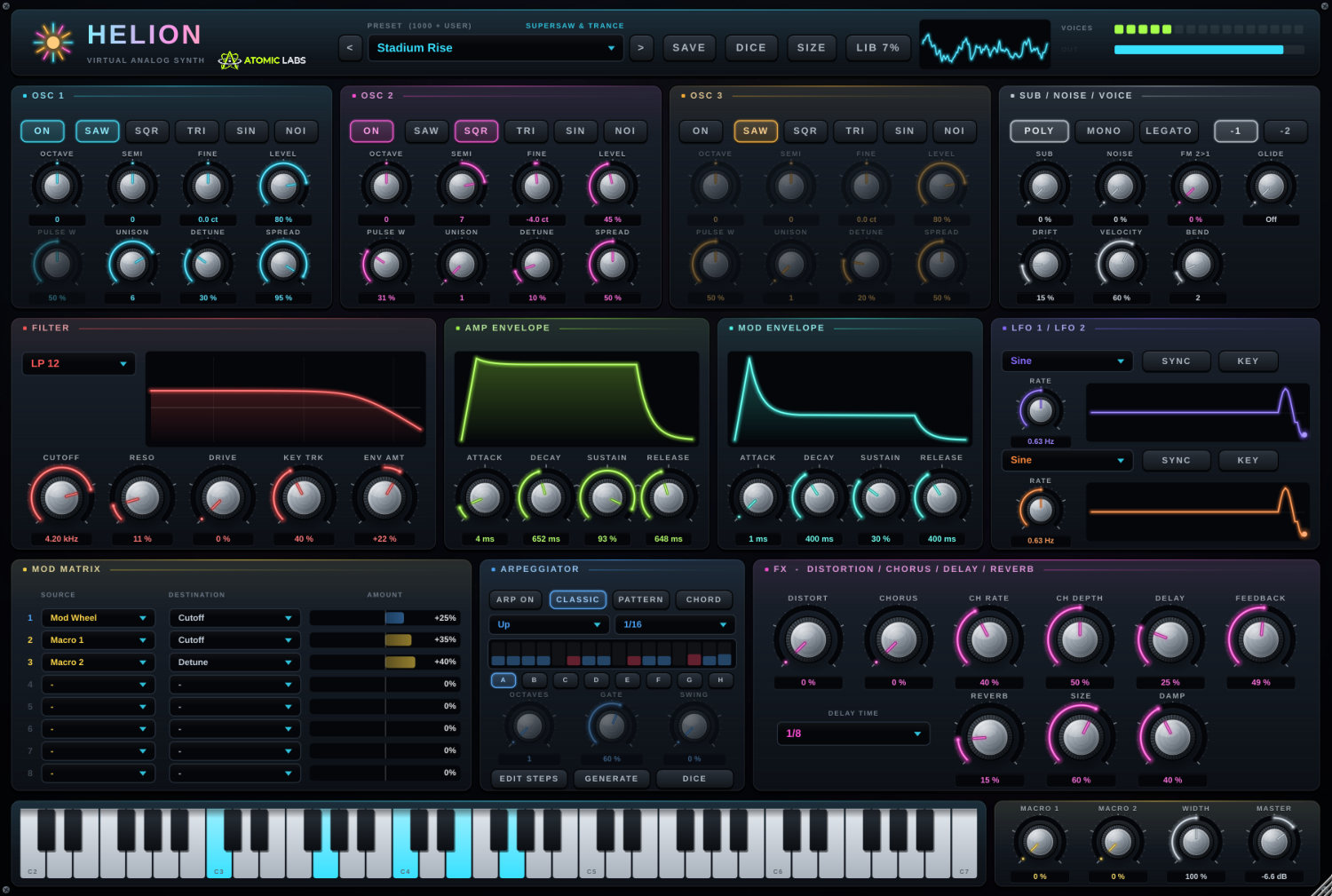
Helion
16-voice virtual-analog polysynth
1,000 presets · 107 controls
Coming soonGet the pack
Recently viewed
Save on Lotus
Add two more plug-ins and get 20% off all three, or six for 35% off.