
InstrumentFlagship
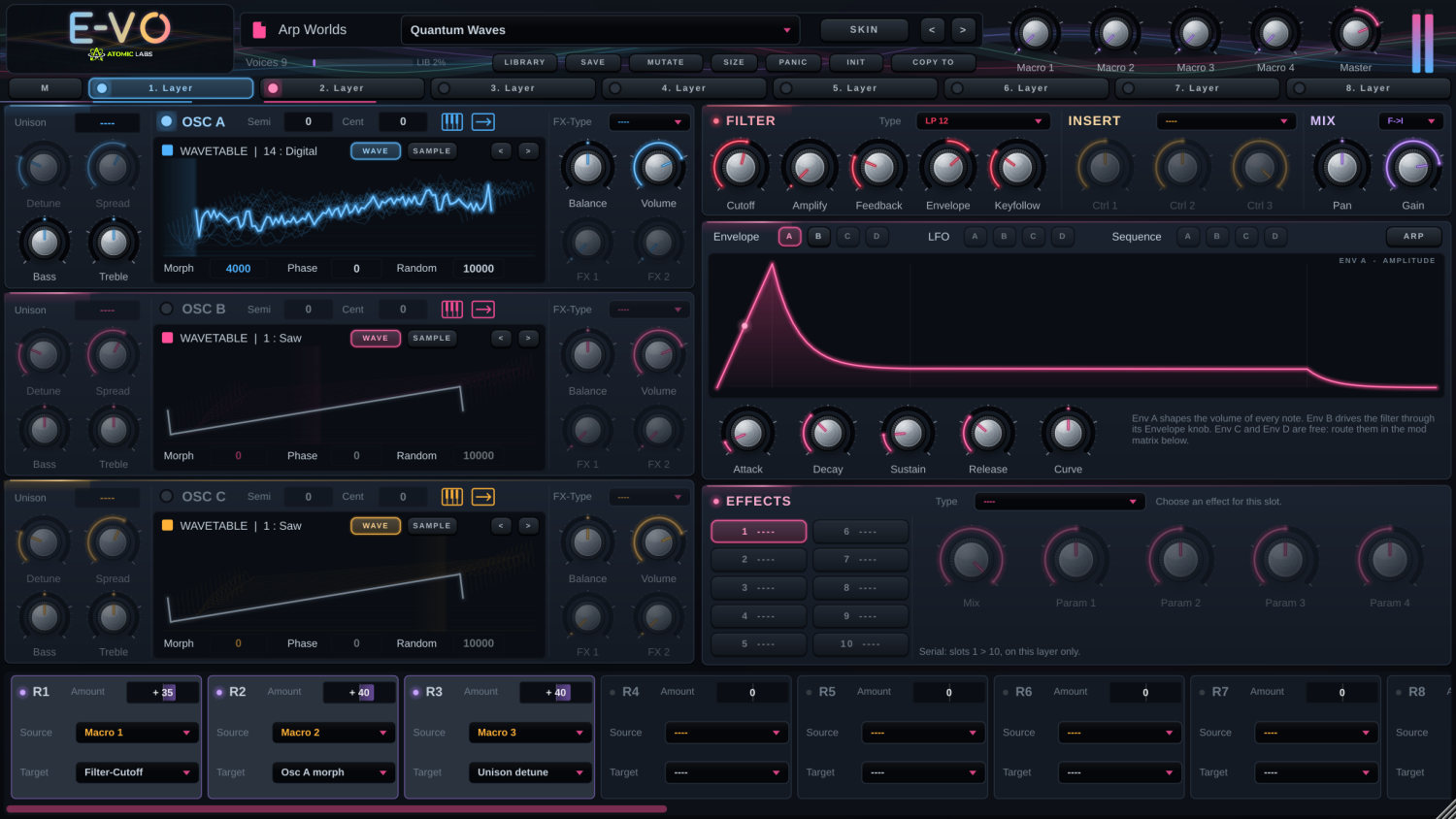
E-VO 2
Evolving layer synthesizer
800 presets · 2438 controls
Coming soonSee the packs
Flute section instrument.
On its own: coming soon. Available now in the Andromeda Instruments pack · Part of The Collection
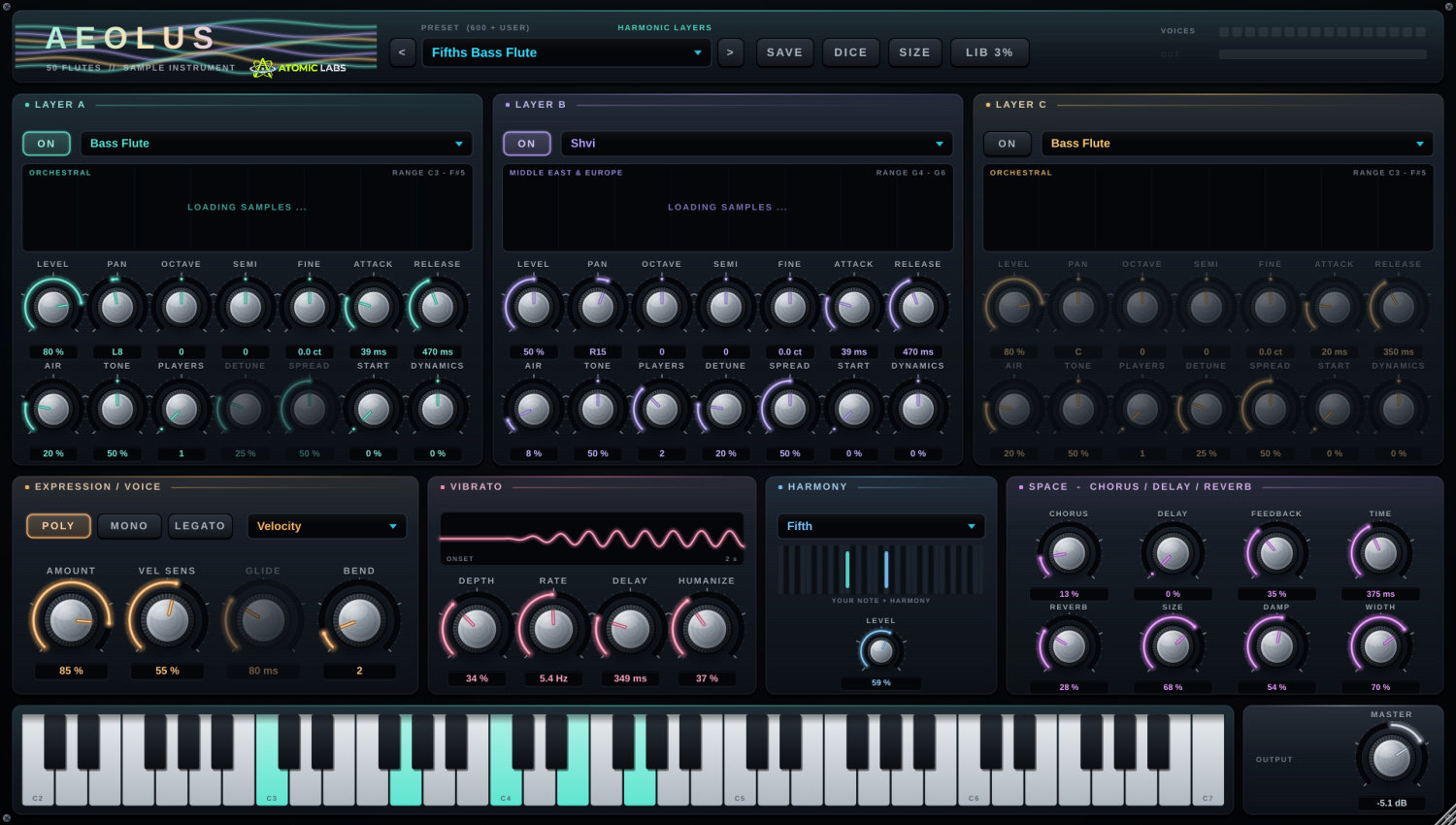
Aeolus is a flute instrument built from 50 multisampled flutes from all over the world: concert, alto and bass flutes, piccolo, baroque and Irish flutes, recorders, whistles, shakuhachi, bansuri, dizi, xiao and many more. Each flute is recorded at two dynamics with a looped sustain, so notes can be Three layers (A, B, C) can each play a different flute. Every layer can become a small section of up to four players, each slightly detuned and placed in the stereo field. A harmoniser adds intervals to every note you play.
Vibrato starts after a delay and its rate is humanised, so long notes breathe like a real player.
Visual demo, not a recording. These waveforms are drawn by this page to illustrate the kind of change: a raw oscillator (OFF) against the same notes shaped by a filter, an envelope and effects (ON). No audio plays and it is not a capture of Aeolus itself.
Load Aeolus on an instrument track and pick a preset with the arrows or the preset menu.
Play slowly and hold notes: the vibrato starts after the Vibrato Delay time.
Use the mod wheel (or the chosen Expression Source) to swell the dynamics.
Each layer chooses one of 50 flutes and sets its level, pan, octave, semitone and fine tuning. Attack and Release shape the note. Air adds breath noise, Tone makes the flute darker or brighter. Players (1-4) turns a layer into a section, with Detune and Spread for the size of the section. Start moves the sample start point (a softer or harder attack), Dynamics blends the soft and loud recordings.
Voice Mode chooses Poly, Mono or Legato. Glide sets the slide time between notes, Bend Range the pitch-bend range. Expression Source decides what controls the dynamics: Velocity, Breath (CC2), Expression (CC11), Mod Wheel or Aftertouch; Expression Amount sets how strongly. Velocity Sensitivity sets how much playing harder changes the sound.
Vibrato Depth and Rate set the vibrato. Vibrato Delay waits before the vibrato fades in, like a real flautist. Humanize adds small changes in pitch, timing and tone so repeated notes never sound identical.
Aeolus comes with 600 factory presets, plus an Init program to start from scratch. Every preset was designed for this plug-in and level-matched, so you can browse without jumps in volume.
For a solo flute keep one layer on with Players = 1 and a little Humanize.
For an ensemble pad: two layers an octave apart, Players 3-4, slow Attack and a large reverb.
Ethnic flutes sound most authentic with Legato mode and a short Glide.
It depends on the product. The plug-in packs and Atomic Starmap are one-time purchases with lifetime updates. Machigana plans are yearly subscriptions that renew each year; cancel any time in your PayPal account. Alpha and Beta are coming soon.
A thank-you email with a link to your members page (atomiclabs.studio/app/members.html). Sign up or sign in there with the same email you typed on the order page, and your downloads are waiting for you. You can download them again at any time. There is no licence key to type in.
Windows 10 or 11, 64-bit. The plug-ins are 64-bit VST3 and work in any VST3 host (Alpha, Cubase, Ableton Live, Bitwig, Studio One, Reaper, FL Studio and more).
On up to two of your own computers, for example your studio PC and your laptop.
It's coming soon: a 40% discount for students and teachers. It isn't available at checkout yet. See the Education page.
Yes. Every purchase and subscription has a 30-day money-back guarantee. Just write to [email protected]. See the refund policy.
Evolving layer synthesizer
800 presets · 2438 controls
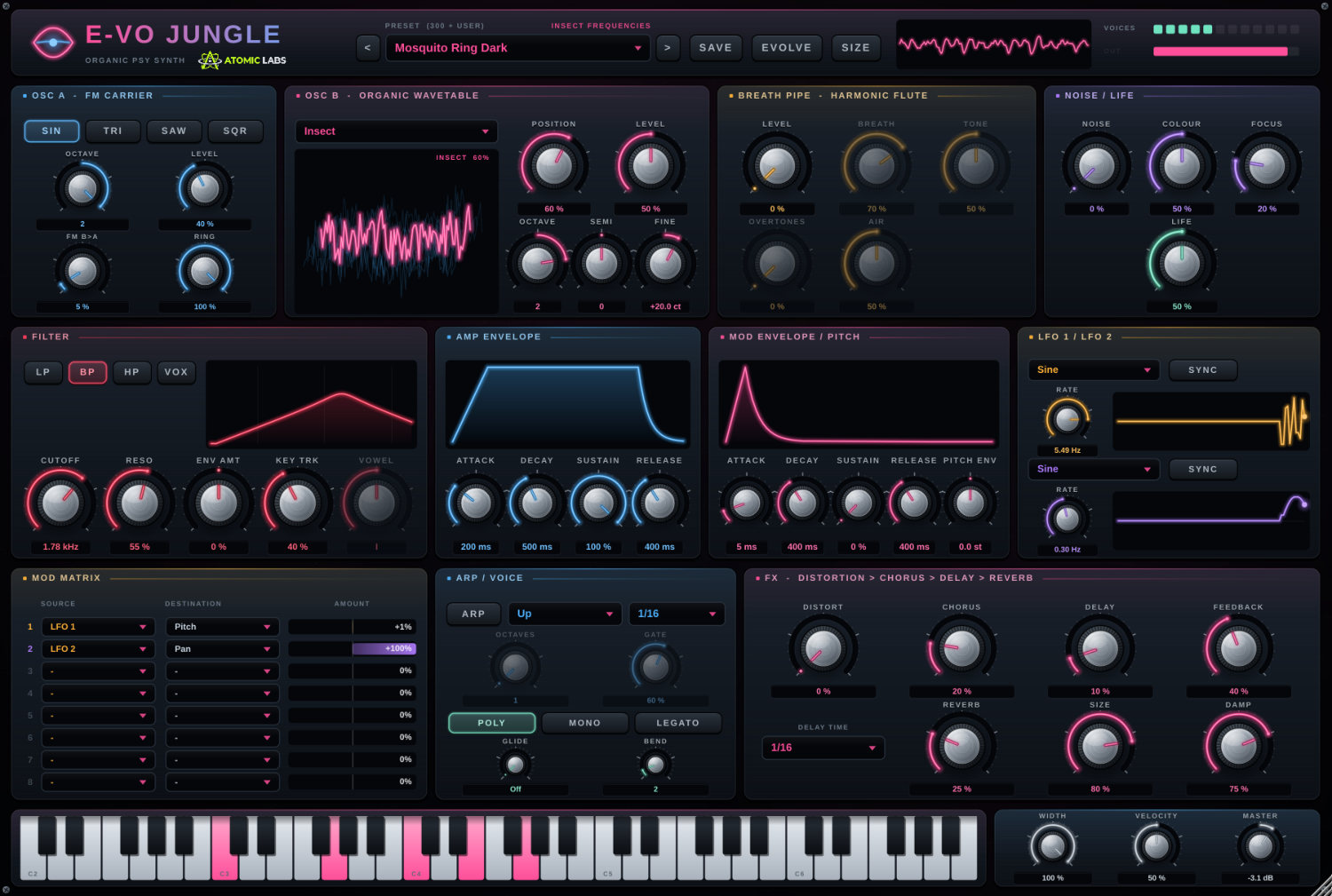
Organic and psychedelic nature synthesizer
300 presets · 84 controls
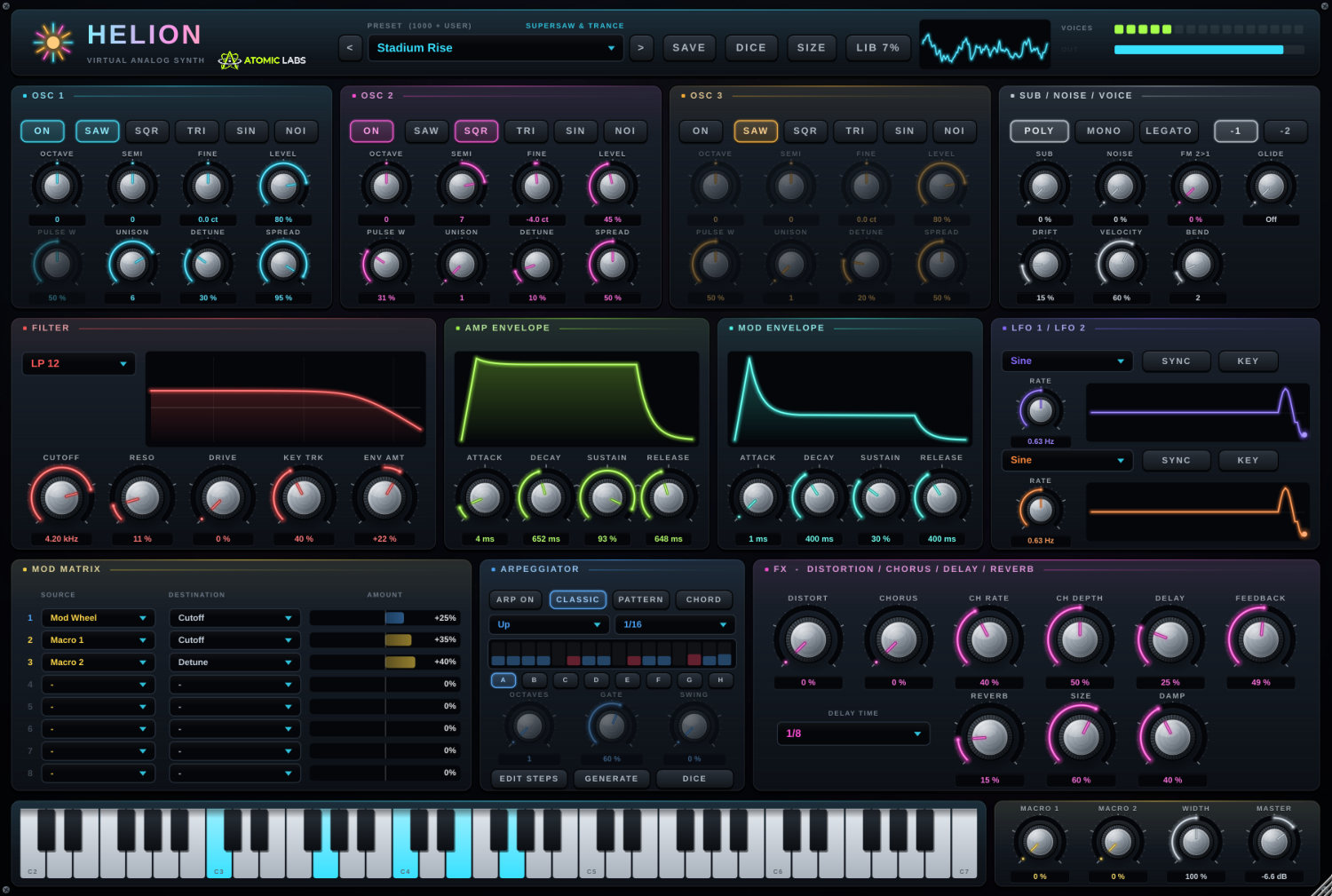
16-voice virtual-analog polysynth
1,000 presets · 107 controls
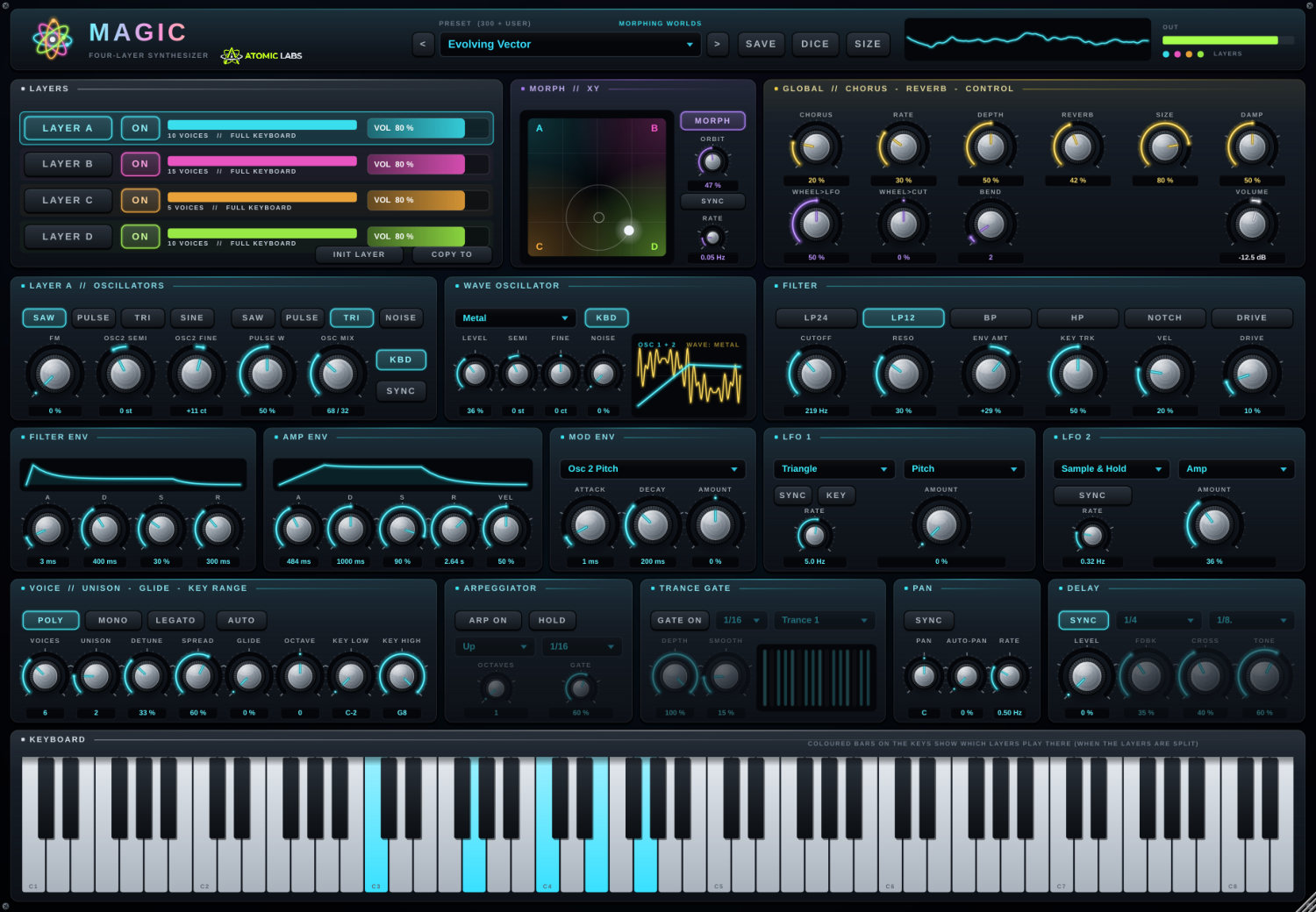
Four-layer virtual-analog synthesizer
300 presets · 357 controls
Add two more plug-ins and get 20% off all three, or six for 35% off.