
← Free toolsFree tool · runs in your browser
Delay & reverb calculator
Set the tempo and get every delay time from a whole note to a 1/64, straight, dotted and triplet, plus reverb sizes that fit the grid. Then hear the difference on a loop.
Tempo
BPM
Tap 4+ times, or press T
Delay times
At 120 BPM. Click a value to copy it; it is also picked for the loop below.
| Note | Straight | Dotted | Triplet |
|---|---|---|---|
| 1/1 | |||
| 1/2 | |||
| 1/4 | |||
| 1/8 | |||
| 1/16 | |||
| 1/32 | |||
| 1/64 |
Reverb sizes
Pre-delay (a 1/64 note) plus decay fill the note value, so the tail ends on the grid.
| Size | Total | Pre-delay | Decay |
|---|---|---|---|
| 1/4 note | 500 ms | 31.3 ms | 468.8 ms |
| 1/2 note | 1000 ms | 31.3 ms | 968.8 ms |
| 1 bar | 2000 ms | 31.3 ms | 1968.8 ms |
| 2 bars | 4000 ms | 31.3 ms | 3968.8 ms |
| 4 bars | 8000 ms | 31.3 ms | 7968.8 ms |
Loop length to BPM
Know how long a loop is? Get its tempo.
seconds
120 BPM
Half time 60 · double time 240
Hear the difference
A random one-bar idea plays in a loop through a delay set to your pick. Switch between A, B and C while it plays.
Delay 1/8 straight = 250 ms at 120 BPM · key A minor pentatonic · sample #2026
Sound starts only when you press Play, at a gentle level. The WAV is 4 loops plus the echo tail, 44.1 kHz stereo, made in your browser.
How to use it
From tempo to echo
- Type your song's tempo, drag the slider, or tap along to the track.
- Read the delay time you need, or click it to copy the milliseconds into your delay plug-in.
- For reverb, pick a size and set the pre-delay and decay from the table.
- Press Play and switch A, B and C to hear straight, dotted and triplet echoes on the same loop.
FAQ
Questions, answered
How do I work out a delay time from the BPM?
One beat (a quarter note) lasts 60,000 divided by the BPM, in milliseconds. At 120 BPM that is 500 ms. Halve it for an eighth note (250 ms), halve again for a sixteenth (125 ms), and double it for a half note (1,000 ms).
What is a dotted delay?
A dotted note is one and a half times as long as the straight note. A dotted eighth at 120 BPM is 375 ms. The echoes land between the beats, which gives the rolling, galloping feel heard in so much trance and rock guitar.
What is a triplet delay?
A triplet fits three notes into the space of two, so each one is two thirds of the straight note. An eighth-note triplet at 120 BPM is 166.7 ms. It gives a swung, bouncing echo.
What are pre-delay and decay on a reverb?
Pre-delay is the short gap before the reverb starts. It keeps the dry sound clear in front of the room. Decay is how long the tail takes to die away. Here the pre-delay is a 1/64 note and pre-delay plus decay add up to the note value you pick, so the tail ends right on the grid.
Why are some values shown in Hz?
Some effects set their rate in Hz instead of milliseconds: LFOs, tremolo, auto-pan and many modulation effects. The Hz value is how many times per second that note repeats, so a 500 ms quarter note is 2 Hz.
How do I use tap tempo?
Press the Tap button (or the T key) in time with the music, at least four times. The tempo is the average of your last eight taps. Wait two seconds to start a new count.
Is the sample I download free to use?
Yes. The loop is generated in your browser from random notes, and you can use the WAV however you like.
From the lab
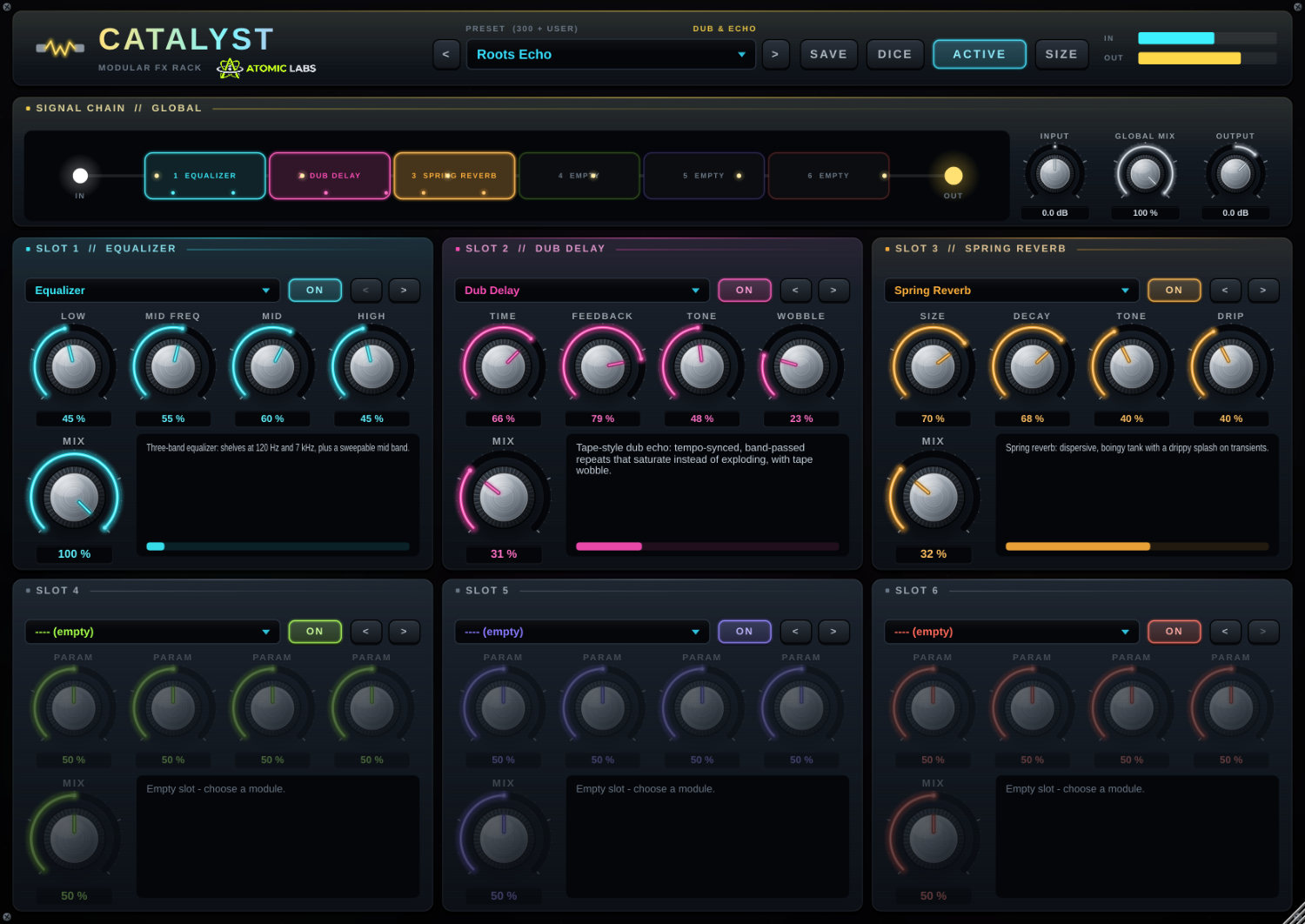
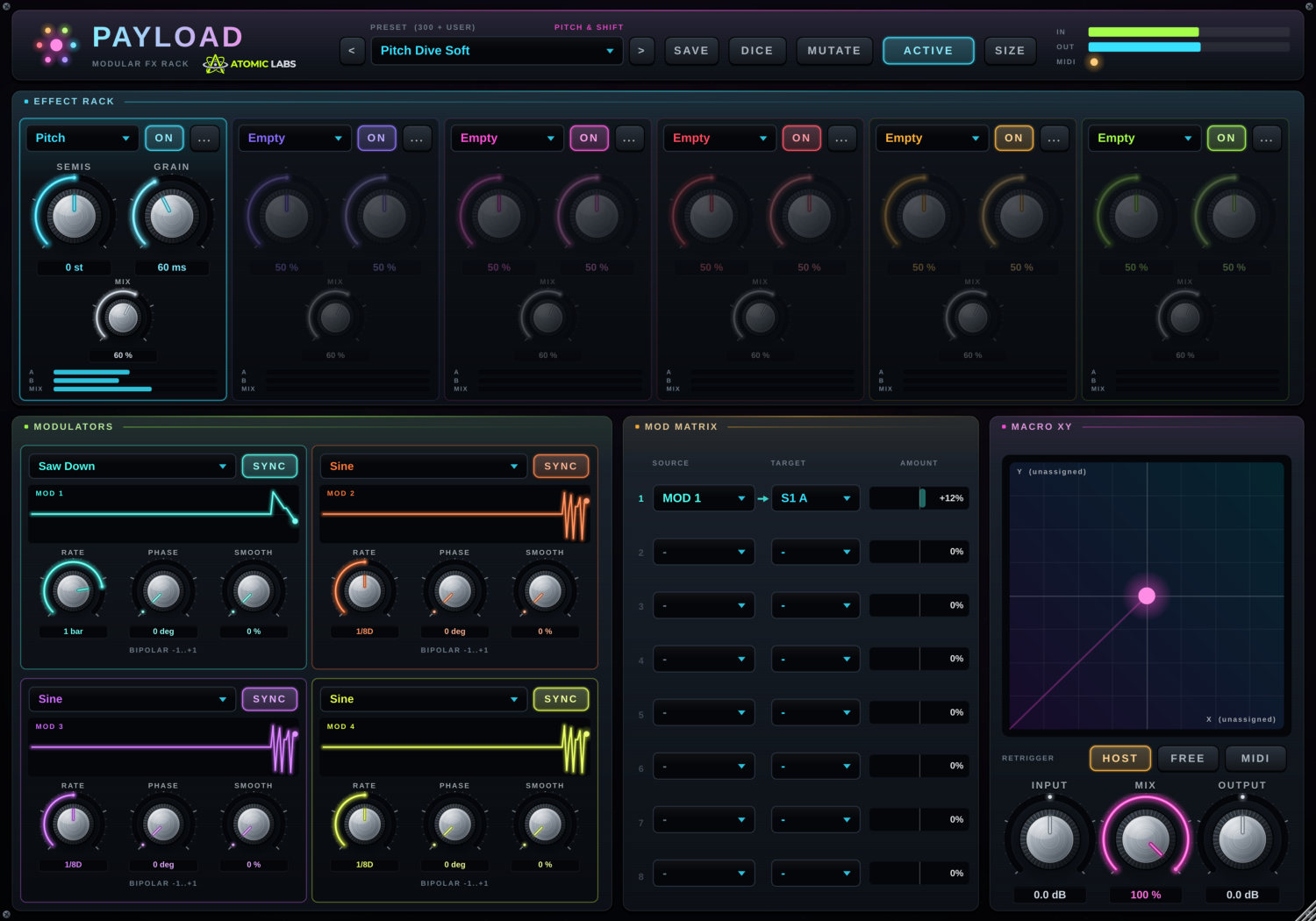
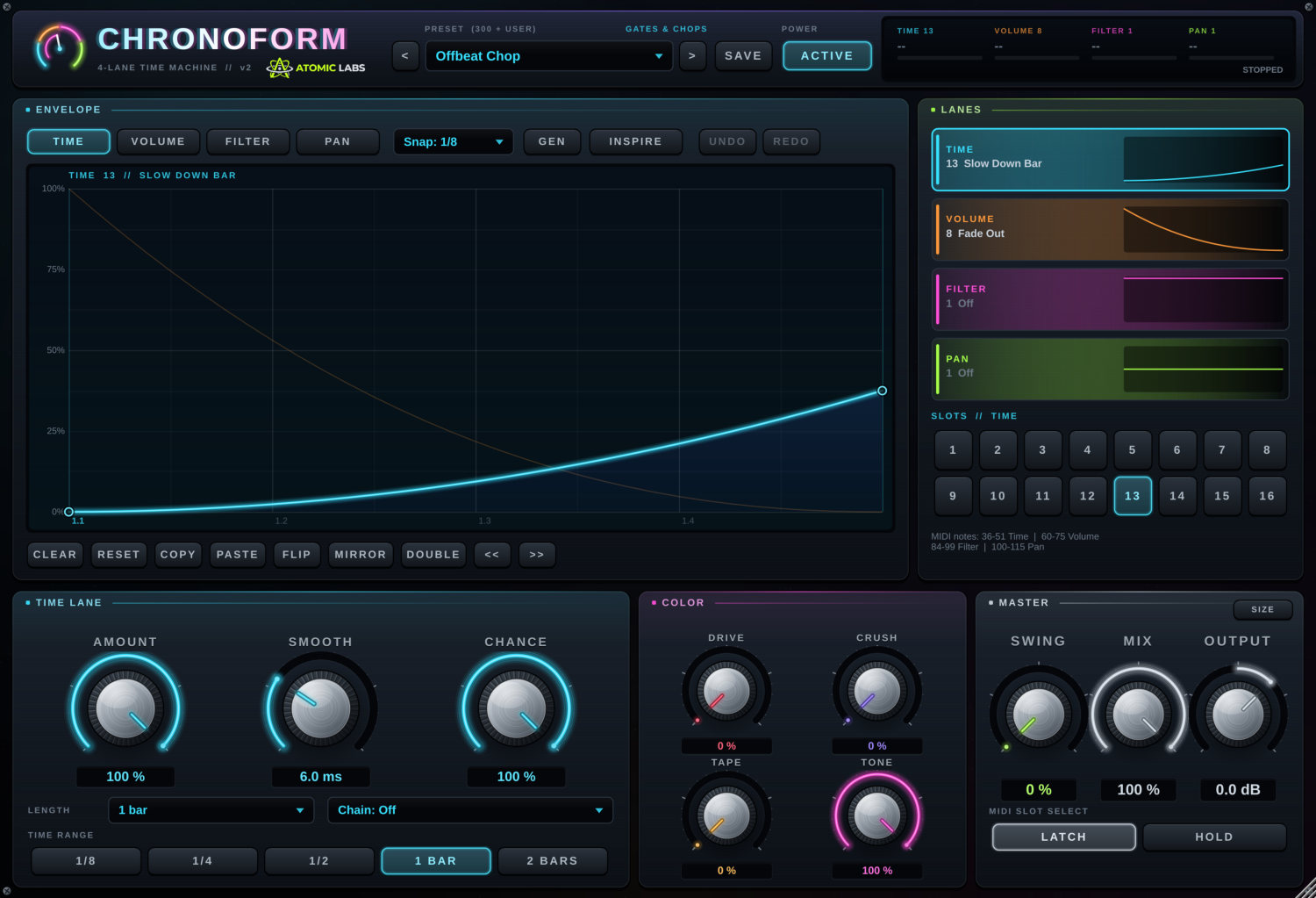
Delays and effects that sync to your tempo
Atomic Labs effects with tempo-synced delay, reverb and time effects.
EffectFlagship
Payload
Modular multi-effect with modulation
300 presets · 85 controls
Coming soonGet the pack
EffectFlagship
Chronoform
Tempo-synced time and volume shaper
300 presets · 36 controls
Coming soonGet the pack
More free tools
Keep working
Free
Frequency to note
Turn any frequency into its note, cents and MIDI number, or a note into Hz, at 432, 440, 442 or your own A4. With a full note table and tones to compare.
FreeWords-to-Synth
Describe a sound in plain words and get a synth patch you can play on your keyboard, tweak, and save as a patch file or WAV.
FreeWavetable generator
Build a wavetable from harmonics, a formula or your own drawing, watch it morph in 3D, hear it, and save a WAV for your wavetable synth.
FreeStem splitter
Split a song into 6 stems (vocals, drums, bass, guitar, piano, other) on your own computer, mix them and save each one as WAV.
All toolsFree tools hub
Everything we make for free, in one place, and what's coming next.
ShopAtomic Labs plug-ins
151 instruments and effects for every Windows DAW.