← EffectsN° 97 · Effect
Reactor
4-band multiband dynamics.
300 presets54 controlsVST3 · Win 64-bitResizable
Coming soonGet the pack
On its own: coming soon. Available now in the Vortex Dynamics pack · Part of The Collection
About
Reactor in a nutshell
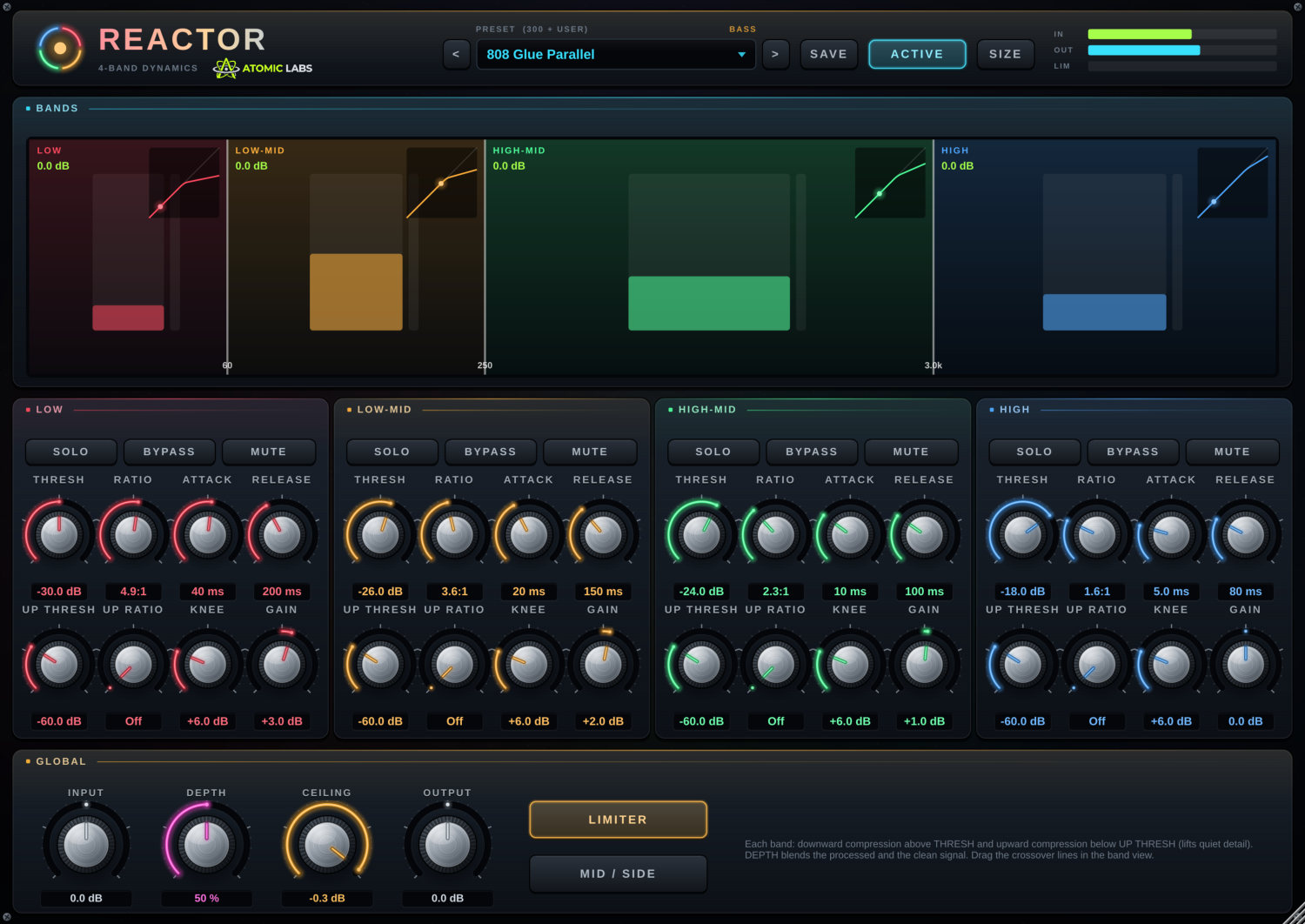
Reactor splits the sound into four bands and gives each band both downward compression (tames what is too loud) and upward compression (lifts quiet detail).
A final soft-knee limiter with ceiling protects the output. Mid/side mode lets you treat the centre and the sides
Before / after
See what Reactor changes.
OFF · dry
ON · Reactor
Visual demo, not a recording. These waveforms are drawn by this page to illustrate the kind of change: compression evens out the level: quiet parts come up, loud peaks come down. No audio plays and it is not a capture of Reactor itself.
Quick start
Lower a band's Threshold to compress it; raise its Upward Threshold to bring up quiet detail.
Files\Common Files\VST3\ , then restart your DAW or rescan plug-ins. It appears under the manufacturer Atomic Labs.
A copy of this PDF lives inside the plug-in folder, next to Contents . Your DAW ignores it; it is there so the manual always travels with the plug-in.
The interface
Threshold, Ratio, Upward Threshold, Upward Ratio, Attack, Release, Knee, Gain, Solo, Bypass and Mute.
Input, Output, Depth, Mid/Side, Limiter with Ceiling, and Bypass.
Presets
Reactor comes with 300 factory presets, plus an Init program to start from scratch. Every preset was designed for this plug-in and level-matched, so you can browse without jumps in volume.
Tips
Tighten the low end: low band ratio 3:1 with a slow release.
Bring up room sound: upward compression on the high-mid band.
Specifications
Everything in the box.
TypeEffect
Presets300 + Init
Controls54
FormatVST3 (64-bit)
SystemWindows 10 or 11, 64-bit
CPUIntel or AMD with AVX2, 4 cores or more
Memory8 GB (16 GB recommended)
WindowResizable
Your presetsSave presets and whole banks
Get started
Three steps to sound.
- Buy, then download the installer from your members page (sign in with the email you ordered with; the thank-you email has the link). No licence key needed.
- Run the installer. Reactor appears in your DAW under the maker Atomic Labs.
- Lower a band's Threshold to compress it; raise its Upward Threshold to bring up quiet detail.
FAQ
Before you buy
Is it a subscription?
It depends on the product. The plug-in packs and Atomic Starmap are one-time purchases with lifetime updates. Machigana plans are yearly subscriptions that renew each year; cancel any time in your PayPal account. Alpha and Beta are coming soon.
What do I get after buying?
A thank-you email with a link to your members page (atomiclabs.studio/app/members.html). Sign up or sign in there with the same email you typed on the order page, and your downloads are waiting for you. You can download them again at any time. There is no licence key to type in.
Which systems are supported?
Windows 10 or 11, 64-bit. The plug-ins are 64-bit VST3 and work in any VST3 host (Alpha, Cubase, Ableton Live, Bitwig, Studio One, Reaper, FL Studio and more).
On how many computers can I use it?
On up to two of your own computers, for example your studio PC and your laptop.
Do you have education pricing?
It's coming soon: a 40% discount for students and teachers. It isn't available at checkout yet. See the Education page.
Can I get a refund?
Yes. Every purchase and subscription has a 30-day money-back guarantee. Just write to [email protected]. See the refund policy.
You may also like
EffectFlagship
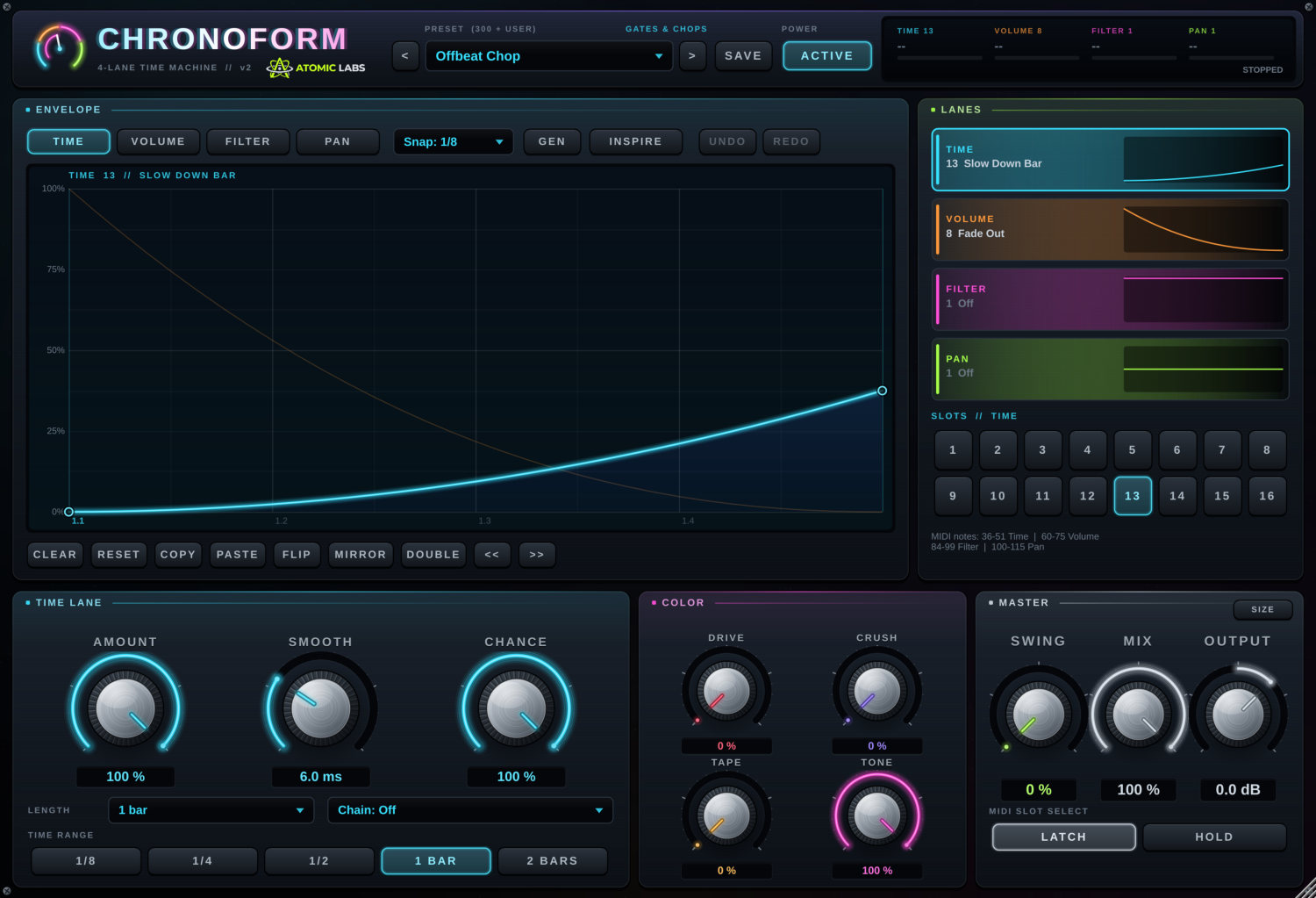
Chronoform
Tempo-synced time and volume shaper
300 presets · 36 controls
Coming soonGet the pack
EffectFlagship
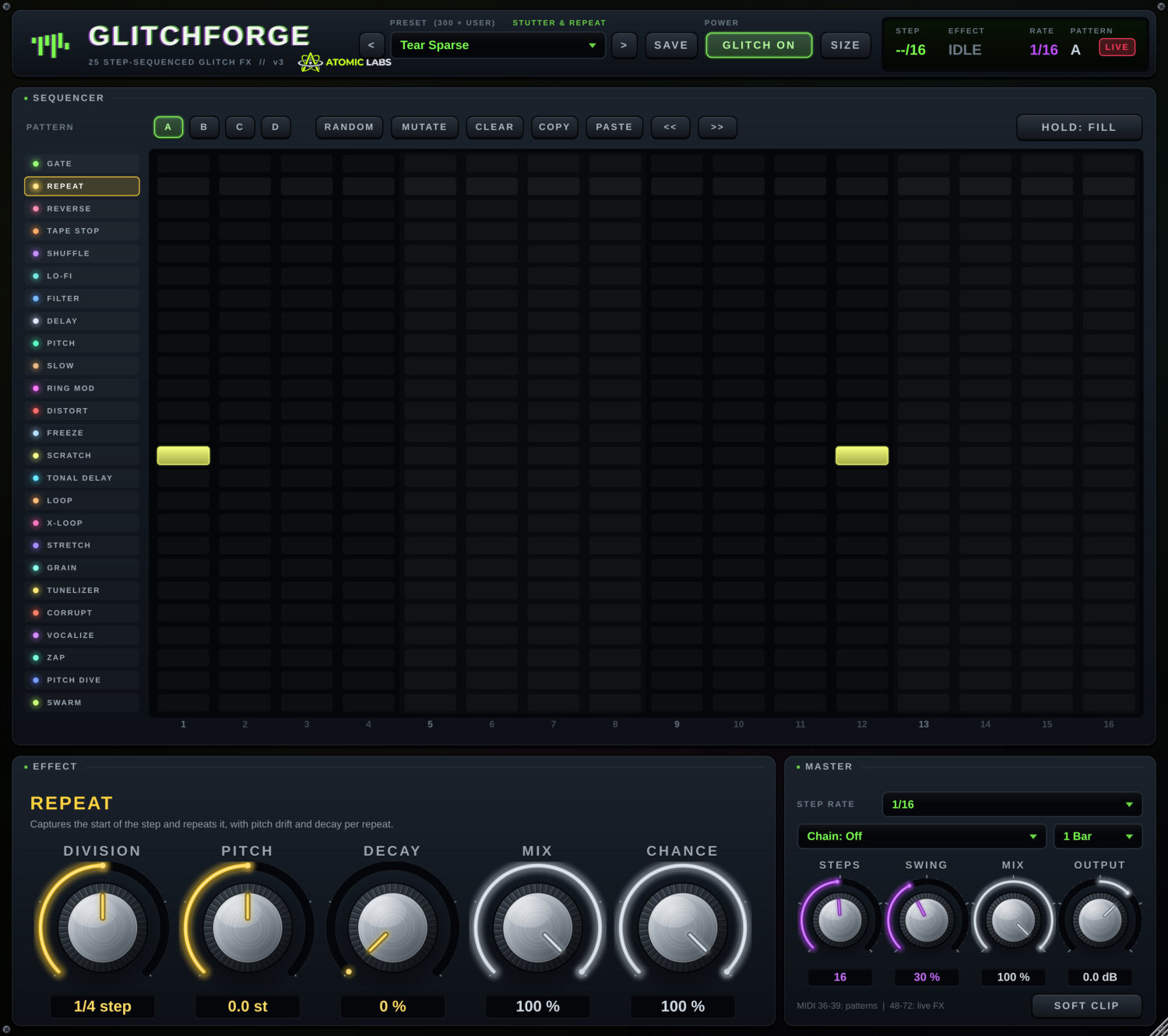
Glitchforge
Step-sequenced glitch multi-effect
300 presets · 136 controls
Coming soonGet the pack
EffectFlagship
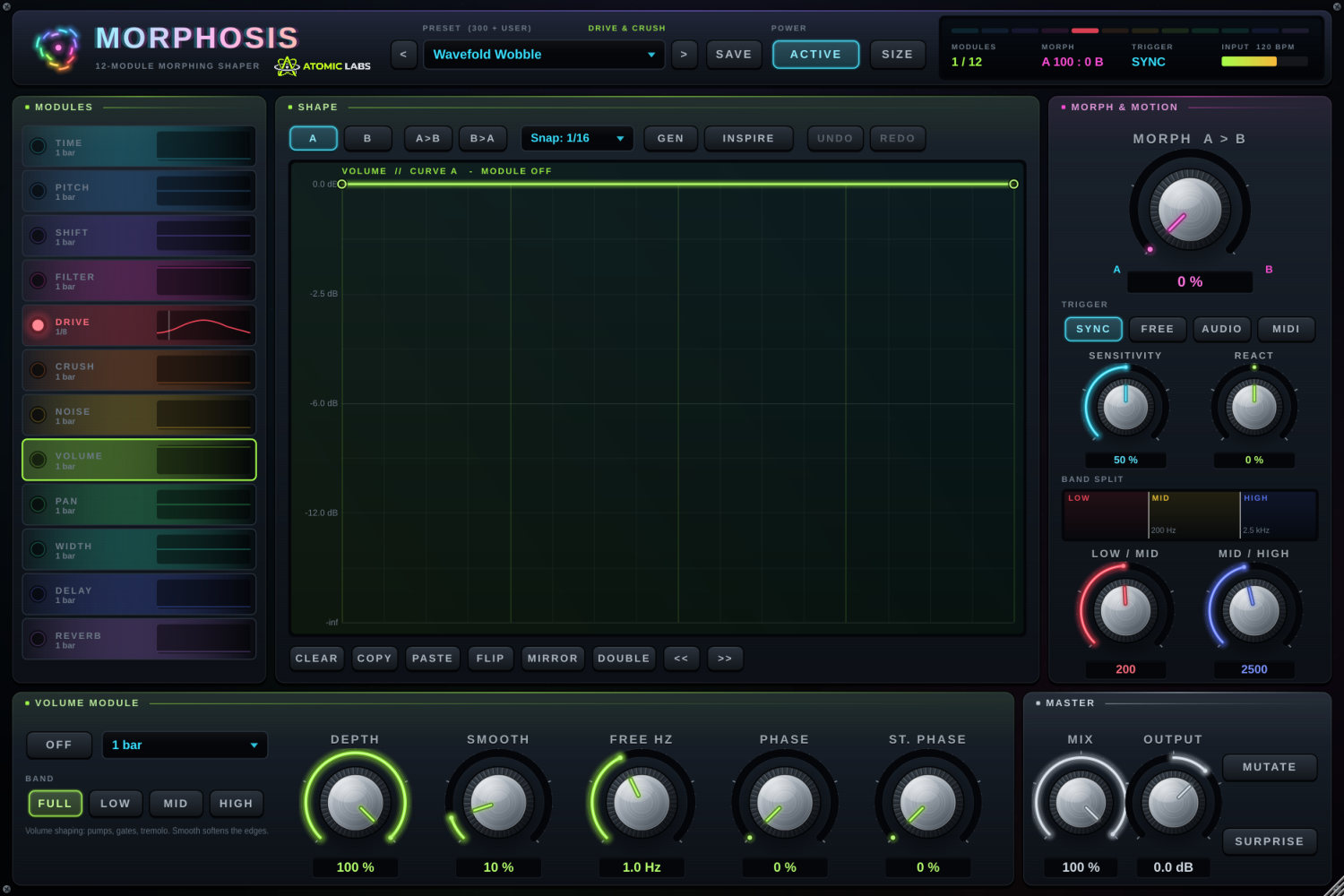
Morphosis
12-module curve-driven shaper
300 presets · 117 controls
Coming soonGet the pack
Recently viewed
Save on Reactor
Add two more plug-ins and get 20% off all three, or six for 35% off.