
← EffectsN° 43 · Effect
Cantor
4-voice formant-preserving harmonizer.
300 presets45 controlsVST3 · Win 64-bitResizable
Coming soonGet the pack
On its own: coming soon. Available now in the Aurora Space pack · Part of The Collection
About
Cantor in a nutshell
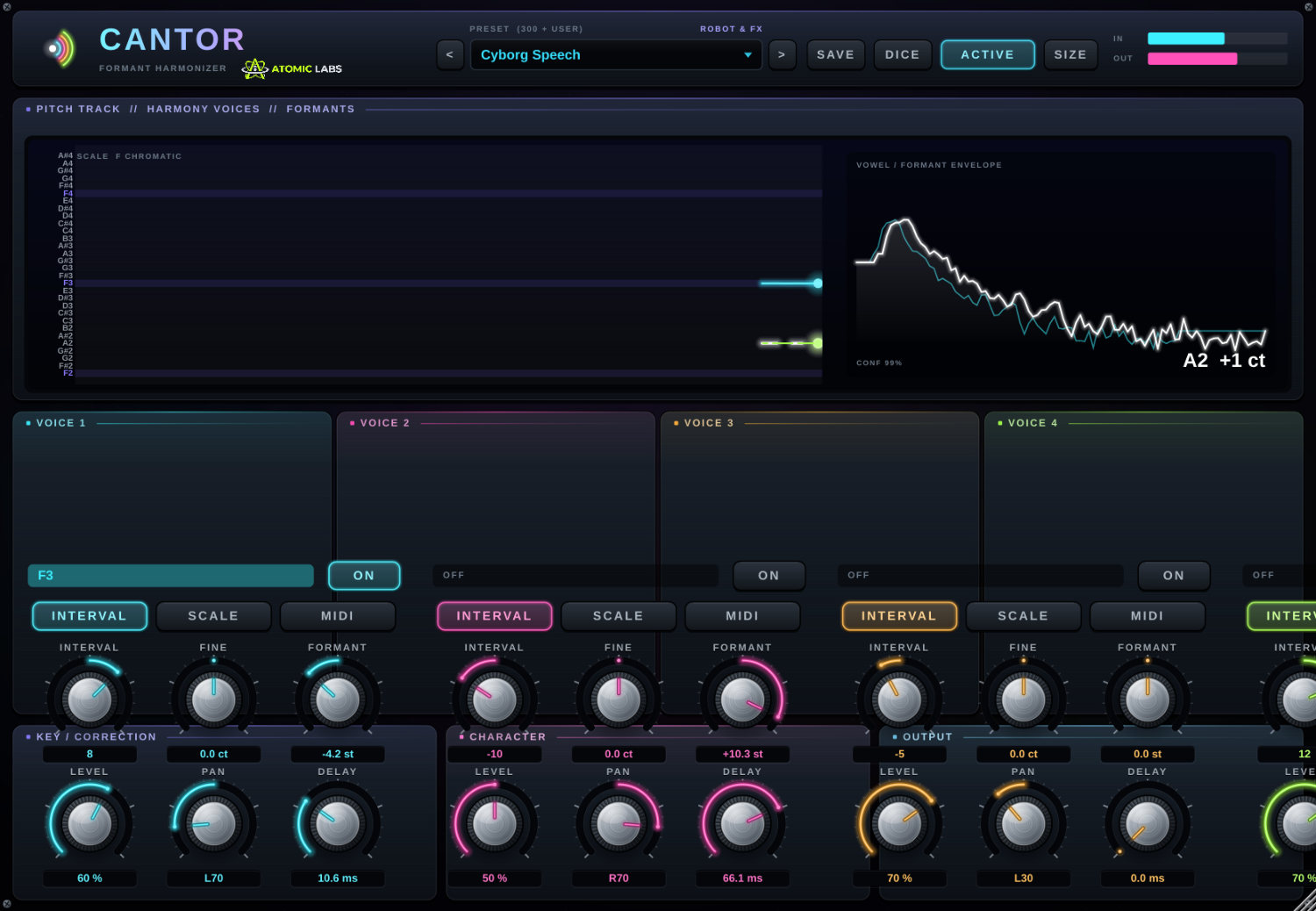
Cantor adds up to four harmony voices to a solo voice or instrument. It tracks the pitch of the input and re-synthesises each voice at its own pitch while keeping the natural vowel colour, so harmonies sound like real singers instead of chipmunks.
Each voice can follow a fixed interval, a scale degree in the chosen key, or a note played on a MIDI keyboard. An optional lead correction snaps the original voice to the scale.
Before / after
See what Cantor changes.
OFF · dry
ON · Cantor
Visual demo, not a recording. These waveforms are drawn by this page to illustrate the kind of change: filtering and EQ reshape the tone and smooth the detail. No audio plays and it is not a capture of Cantor itself.
Quick start
Insert Cantor on a vocal or any monophonic track.
Switch voices on and choose Interval (always the same distance), Scale (stays in key) or MIDI (plays the Balance Dry Level and Harmony Level. Cantor reports 2048 samples of latency, which your DAW compensates.
Files\Common Files\VST3\ , then restart your DAW or rescan plug-ins. It appears under the manufacturer Atomic Labs.
The interface
On, Mode (Interval, Scale, MIDI), Interval in semitones or scale steps, Fine, Formant (move the vowel colour up or down), Level, Pan and Delay (a small time offset for a looser feel).
Key and Scale (major, minor, dorian, harmonic minor, pentatonics, blues, chromatic) used by Scale mode and lead correction.
Lead Correction snaps the input voice to the scale; Correction Speed sets how fast (fast for a robotic effect, slow for natural).
Presets
Cantor comes with 300 factory presets in 10 categories, plus an Init program to start from scratch. Every preset was designed for this plug-in and level-matched, so you can browse without jumps in volume.
30 Pop Harmonies 30 Choir Stacks 30 Octave Doubles 30 Gender Bender 30 Robot & FX 30 Fifths & Power 30 MIDI Choir 30 Tight Doubles 30 Gospel Thirds 30 Pitch Correct
Tips
For gospel thirds: two voices in Scale mode, +2 and -2 scale steps.
For a choir of one: four voices, Humanize high, Width high, Space around 30 %.
MIDI mode: route a MIDI track to Cantor and play chords to choose the harmony live.
Specifications
Everything in the box.
TypeEffect
Presets300 + Init
Controls45
FormatVST3 (64-bit)
SystemWindows 10 or 11, 64-bit
CPUIntel or AMD with AVX2, 4 cores or more
Memory8 GB (16 GB recommended)
WindowResizable
Your presetsSave presets and whole banks
Get started
Three steps to sound.
- Buy, then download the installer from your members page (sign in with the email you ordered with; the thank-you email has the link). No licence key needed.
- Run the installer. Cantor appears in your DAW under the maker Atomic Labs.
- Insert Cantor on a vocal or any monophonic track.
FAQ
Before you buy
Is it a subscription?
It depends on the product. The plug-in packs and Atomic Starmap are one-time purchases with lifetime updates. Machigana plans are yearly subscriptions that renew each year; cancel any time in your PayPal account. Alpha and Beta are coming soon.
What do I get after buying?
A thank-you email with a link to your members page (atomiclabs.studio/app/members.html). Sign up or sign in there with the same email you typed on the order page, and your downloads are waiting for you. You can download them again at any time. There is no licence key to type in.
Which systems are supported?
Windows 10 or 11, 64-bit. The plug-ins are 64-bit VST3 and work in any VST3 host (Alpha, Cubase, Ableton Live, Bitwig, Studio One, Reaper, FL Studio and more).
On how many computers can I use it?
On up to two of your own computers, for example your studio PC and your laptop.
Do you have education pricing?
It's coming soon: a 40% discount for students and teachers. It isn't available at checkout yet. See the Education page.
Can I get a refund?
Yes. Every purchase and subscription has a 30-day money-back guarantee. Just write to [email protected]. See the refund policy.
You may also like
EffectFlagship
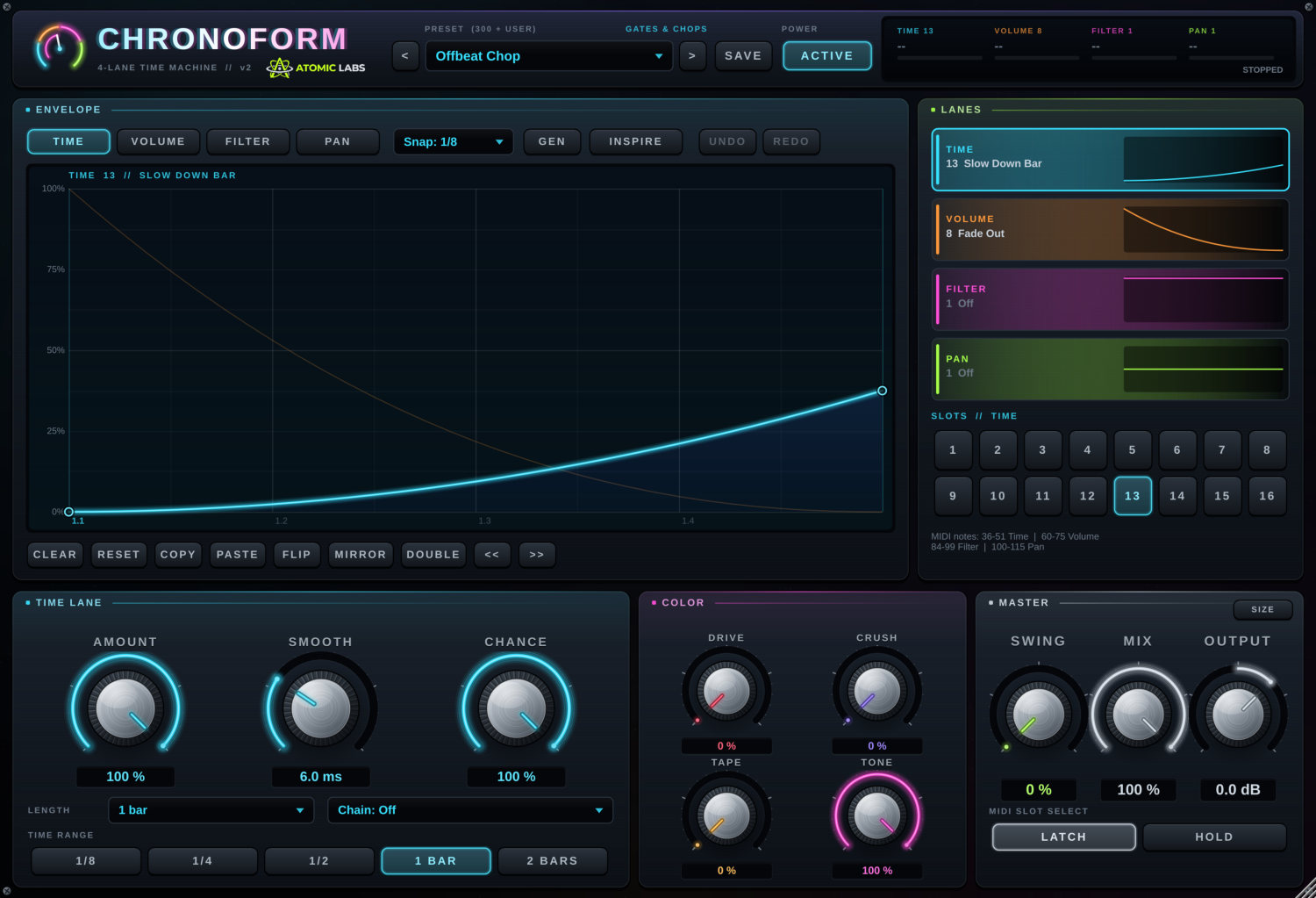
Chronoform
Tempo-synced time and volume shaper
300 presets · 36 controls
Coming soonGet the pack
EffectFlagship
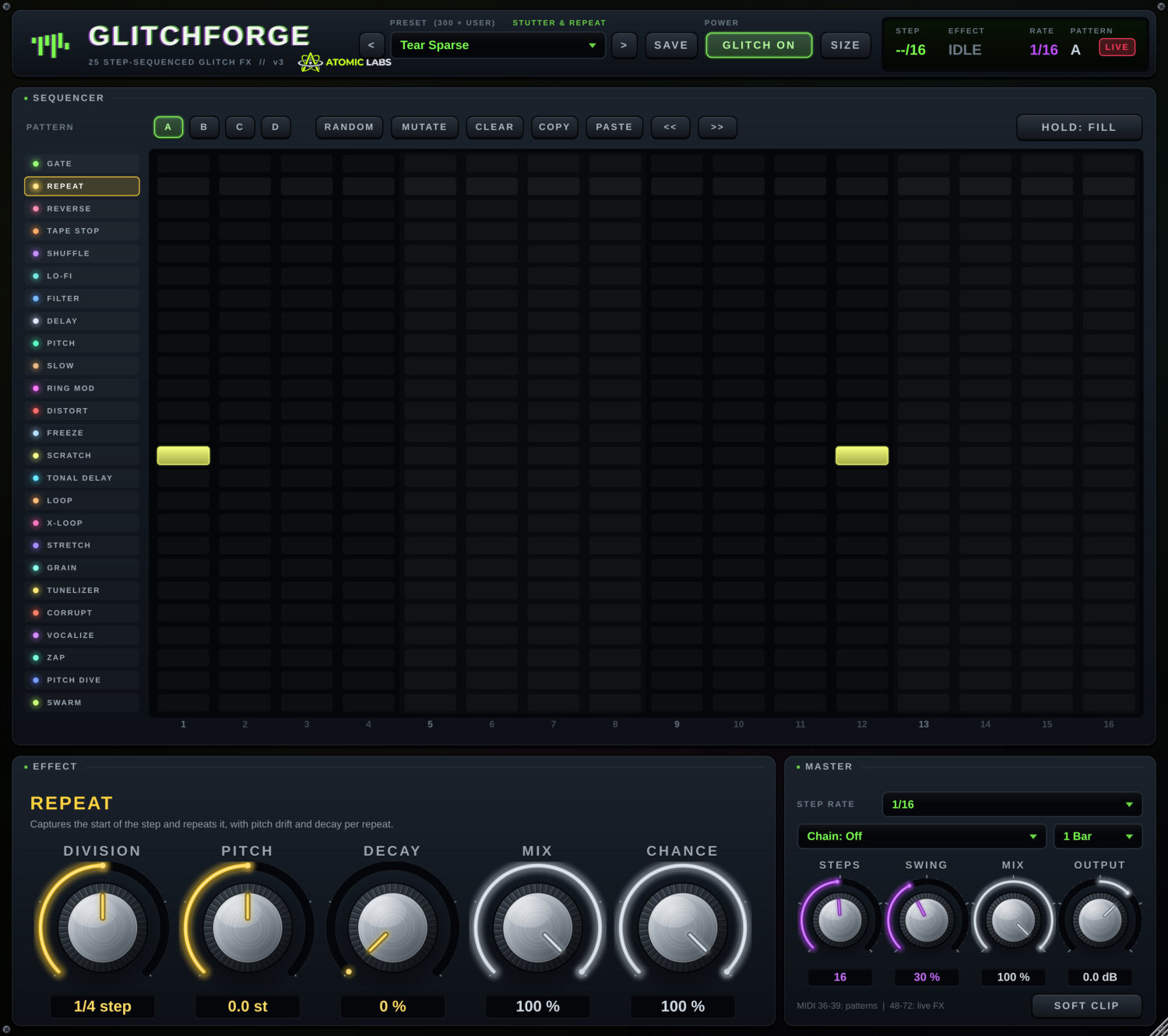
Glitchforge
Step-sequenced glitch multi-effect
300 presets · 136 controls
Coming soonGet the pack
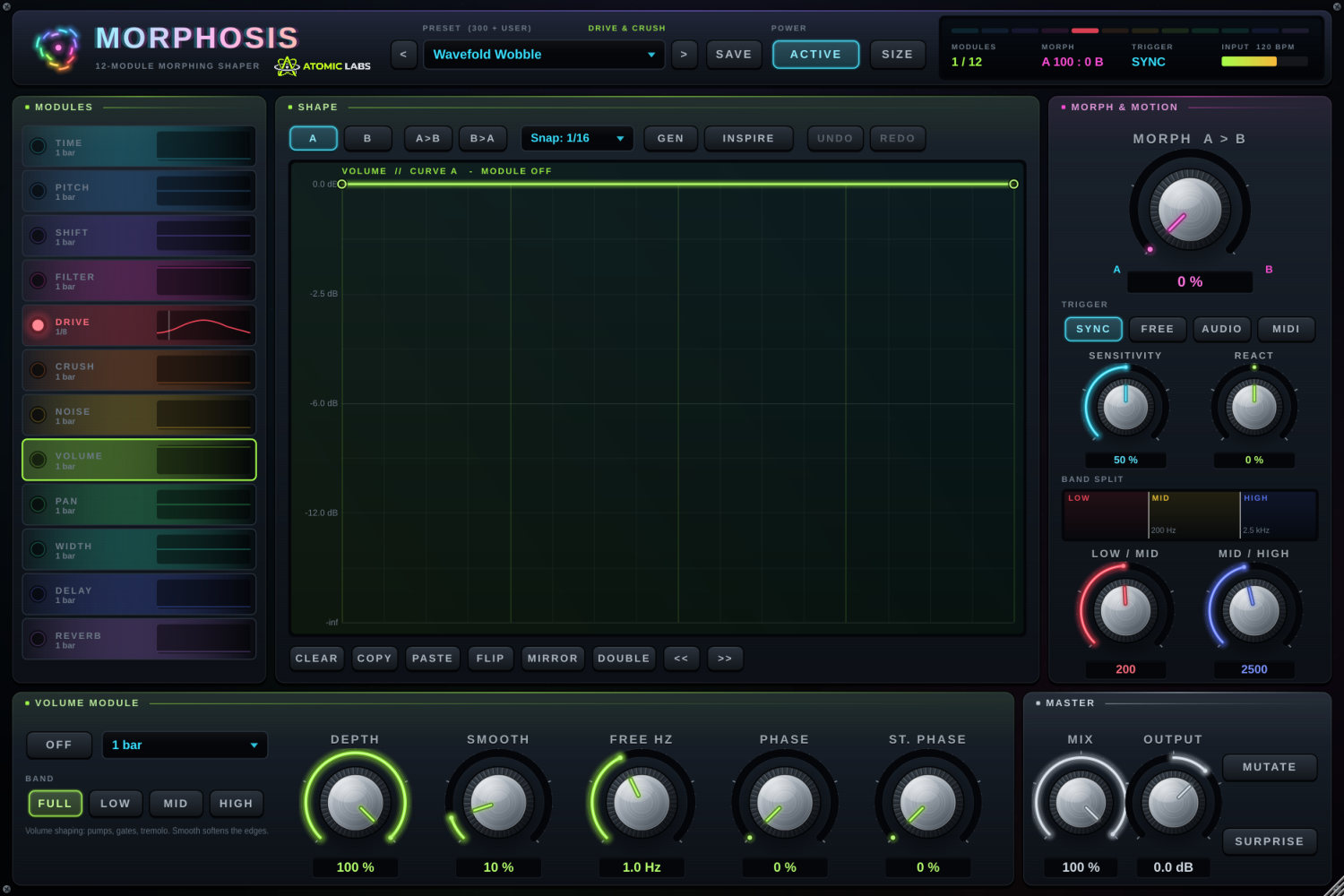
EffectFlagship
Morphosis
12-module curve-driven shaper
300 presets · 117 controls
Coming soonGet the pack
Recently viewed
Save on Cantor
Add two more plug-ins and get 20% off all three, or six for 35% off.